

Getting help
Help is always one tap away.
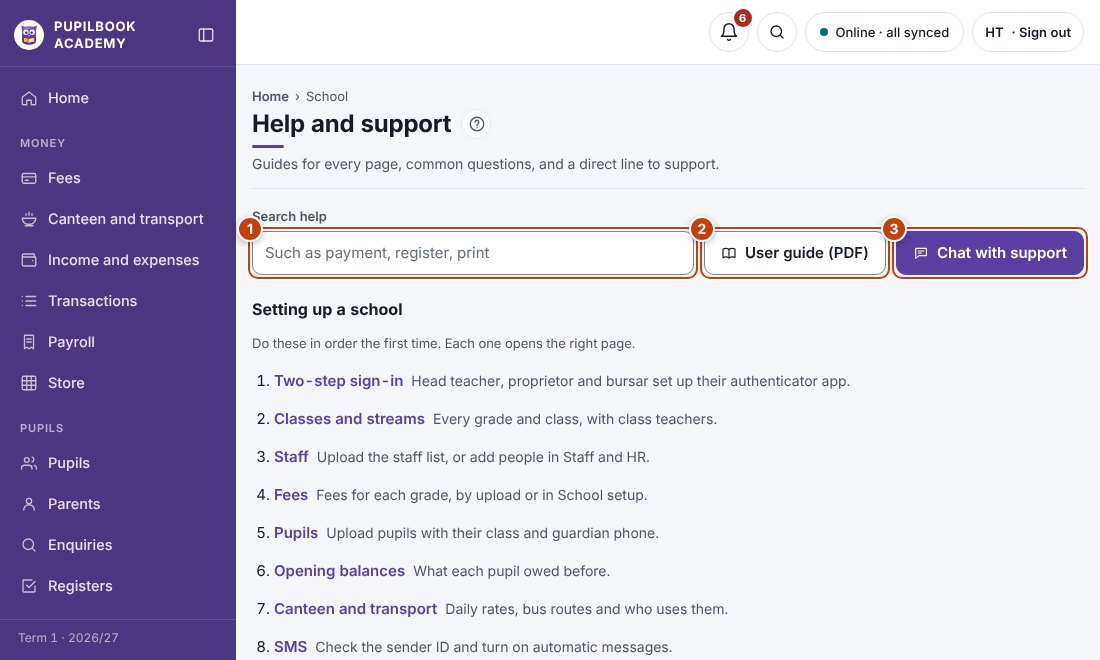
In the picture: 1 Search the help · 2 Download this guide · 3 Chat with support.
Help on a page
Section titled “Help on a page”Click the ? button next to the page title.
Help centre
Section titled “Help centre”Open Help and support in the menu to search every guide and common question.
Chat with support
Section titled “Chat with support”- In the help panel, open Chat with support and type your question. Your school, name and page are sent with it.
- Replies show in the same chat. A dot on the ? button tells you a reply has come.