

Staff and HR
Everyone who works here, teaching or not. People added here can be picked anywhere in the system.
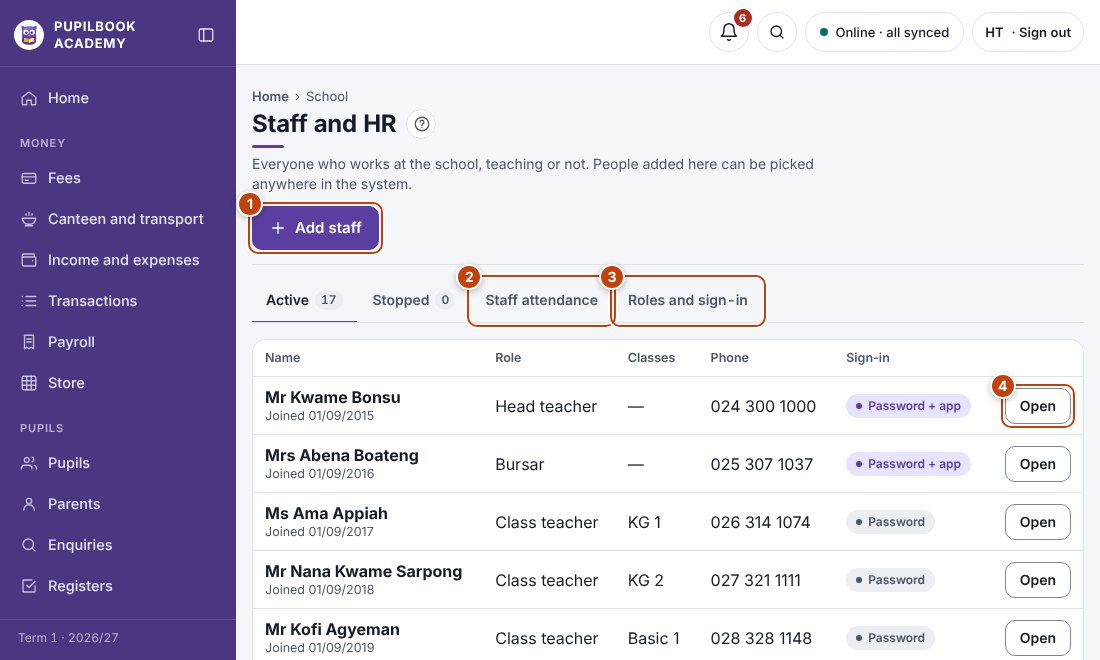
In the picture: 1 Add staff · 2 Staff attendance · 3 Roles and sign-in · 4 Open a staff record.
Add someone
Section titled “Add someone”- Click Add staff.
- Fill in their role, phone, date joined, SSNIT number and pay.
- Tick Give this person a sign-in if they need to use the system.
Someone leaves
Section titled “Someone leaves”Open the person and change their status to Stopped. Their records are kept.
Staff attendance
Section titled “Staff attendance”Open Staff attendance to mark who is in.
- Pay entered here is what Payroll uses.
- A whole staff list? Use Bulk upload, Staff.